avc logo

Any Video Converter for Mac

Free video converter for Mac with a stable conversion process and built-in practical editing tools!

  • All-in-one free video converter for macOS workflows
  • Up to 130x faster conversion speed, boost the efficiency
  • Convert old VHS/VCD videos to eliminate playback issues
  • Offer efficient batch conversion with customizable output
  • Basic video editing tools: compress, trim, merge, crop, etc
checkbox icon100% CLEAN
checkbox icon100% SAFE
checkbox icon100% FREE
checkbox icon100% STABLE
apple iconSwitch to Mac Version
windows iconSwitch to Windows Version
any video converter free mac top banner for pc
any video converter free mac top banner for mobile

Key Features of Any Video Converter for Mac

From SD to 4K/8K HDR videos, this best video converter can cover them all

multi device video multi device video

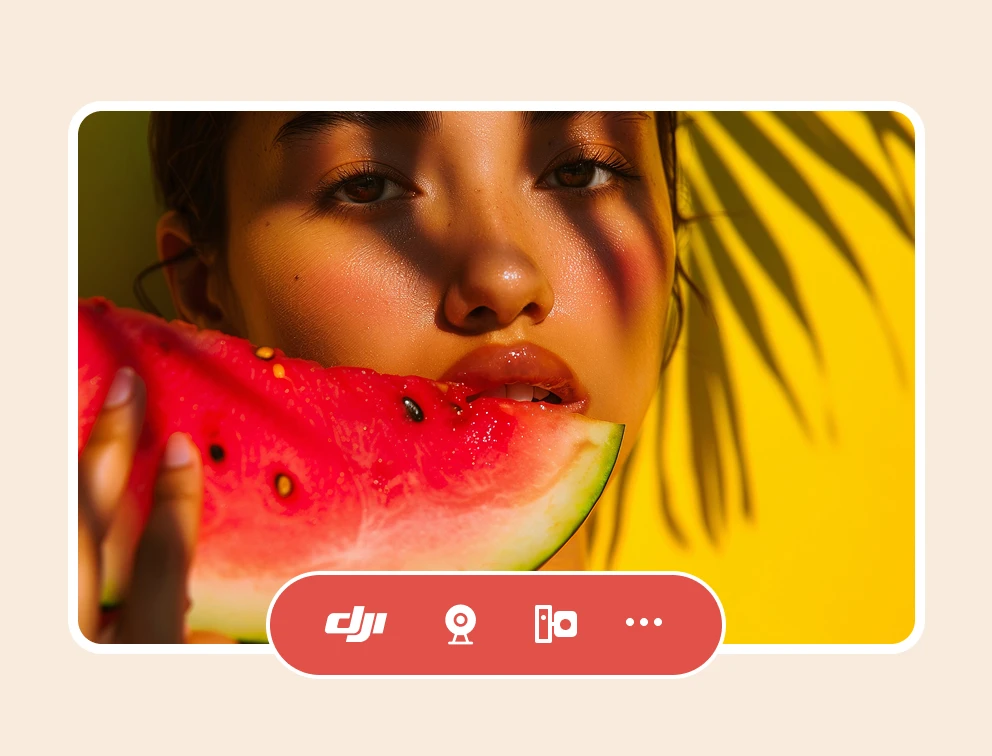
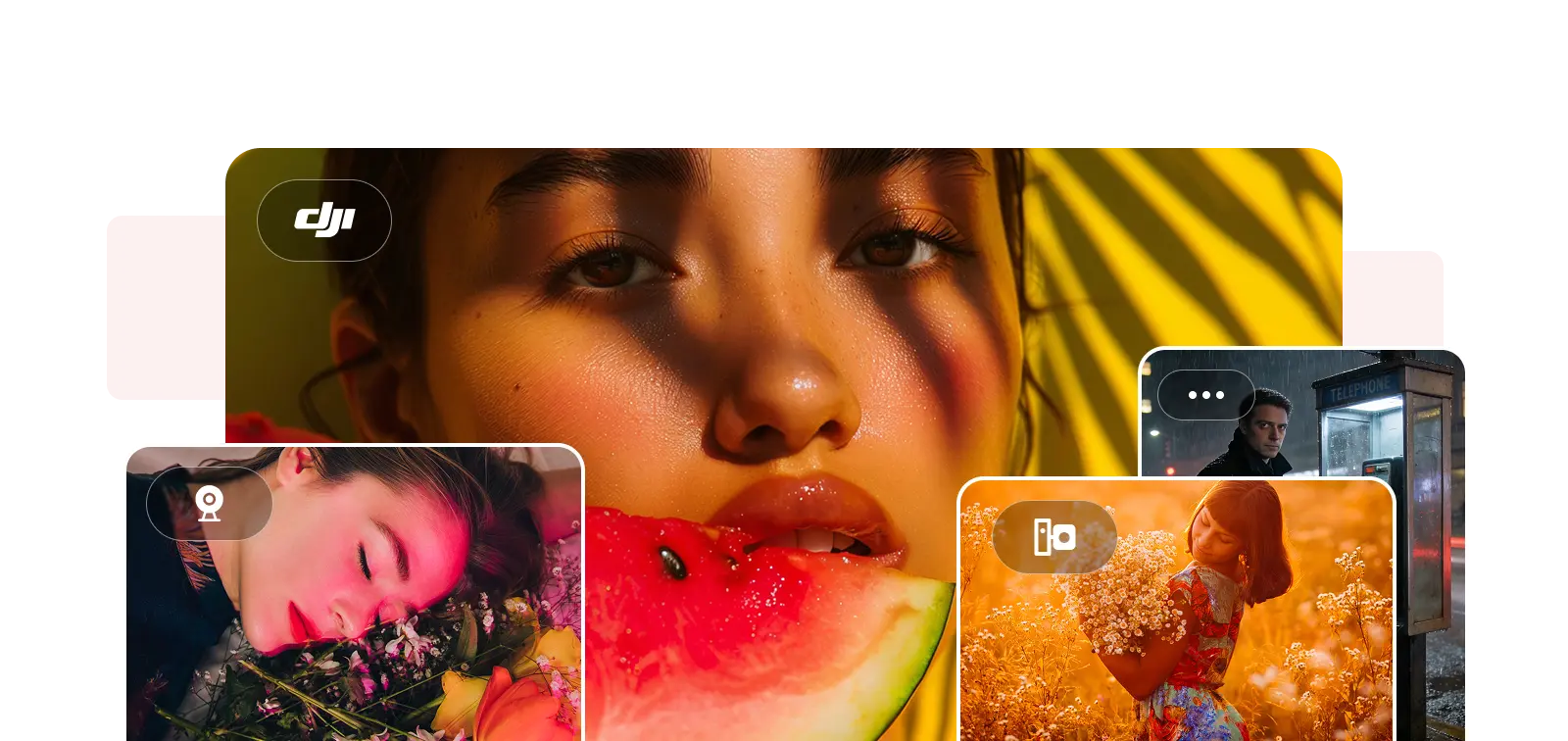
Compatible with Videos from GoPro, DJI, and Others

Videos from GoPro, DJI, surveillance cameras, and other devices can also be successfully uploaded and processed, completing the entire process from uploading and format conversion to parameter optimization.
convert video and audio on mac convert video and audio on mac

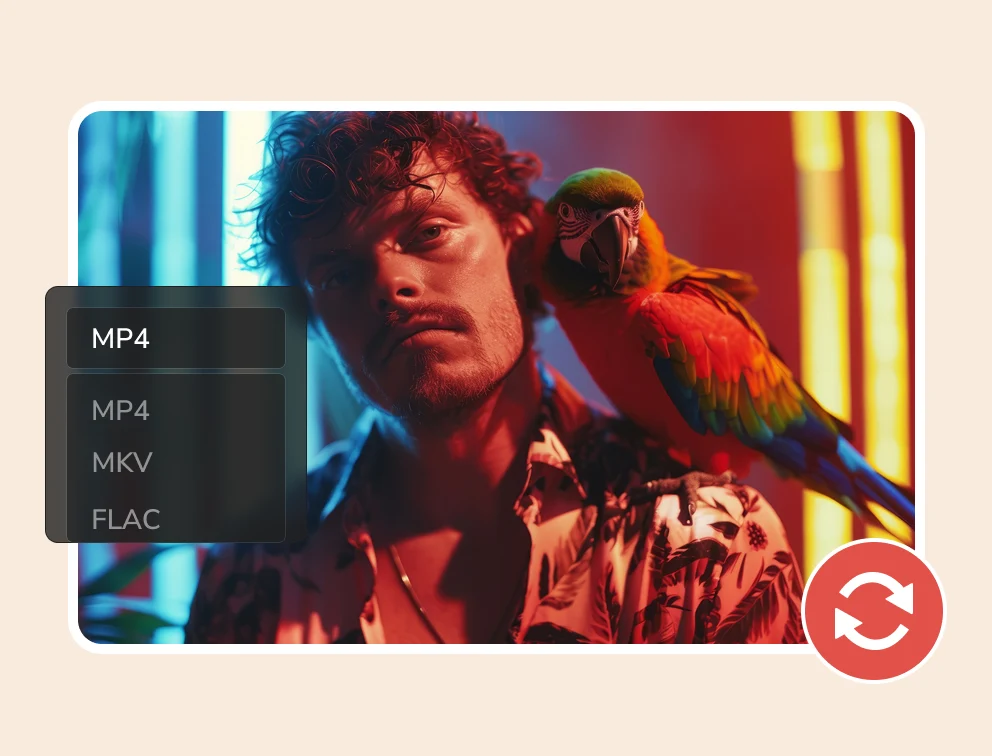
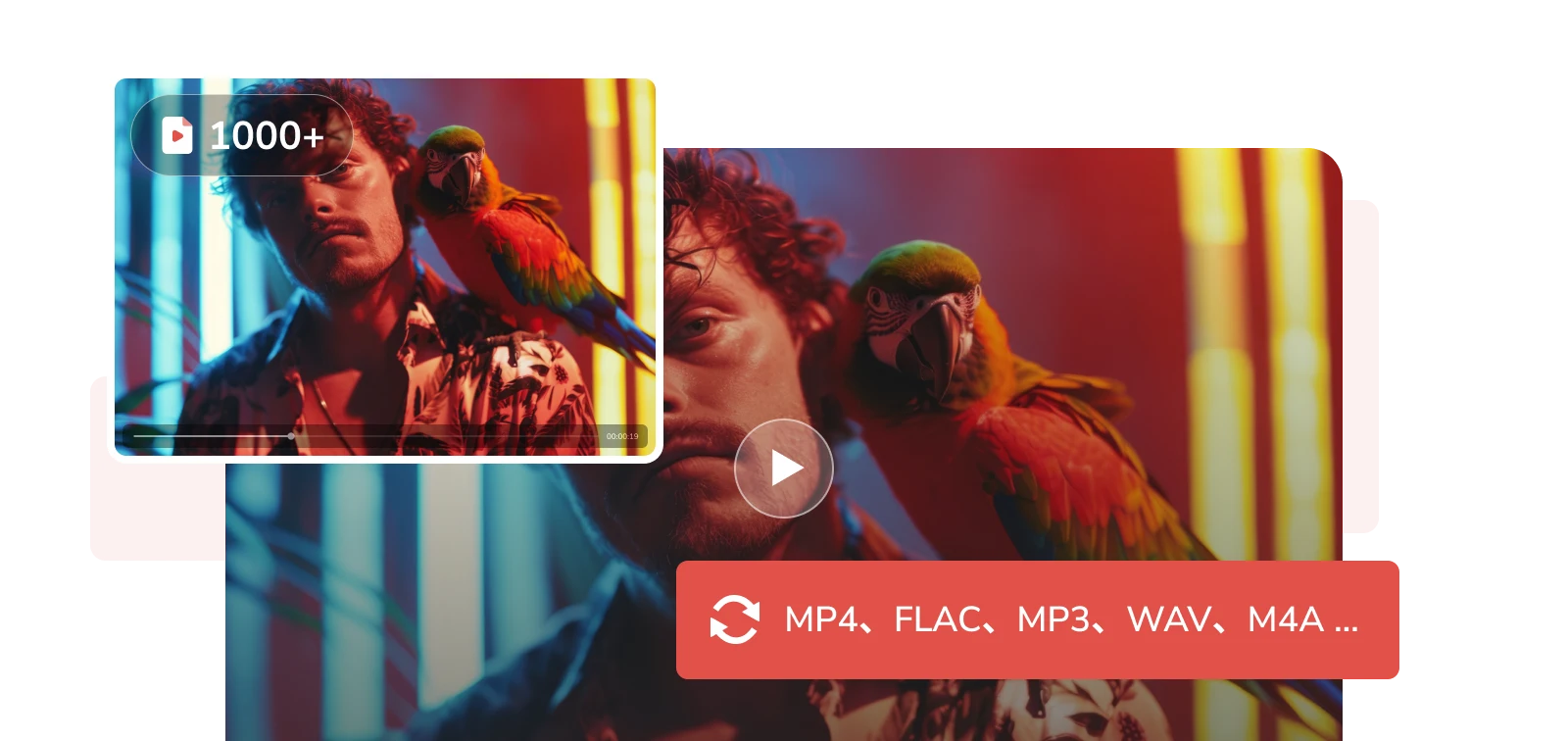
Easily Switch Between Video/Audio Formats

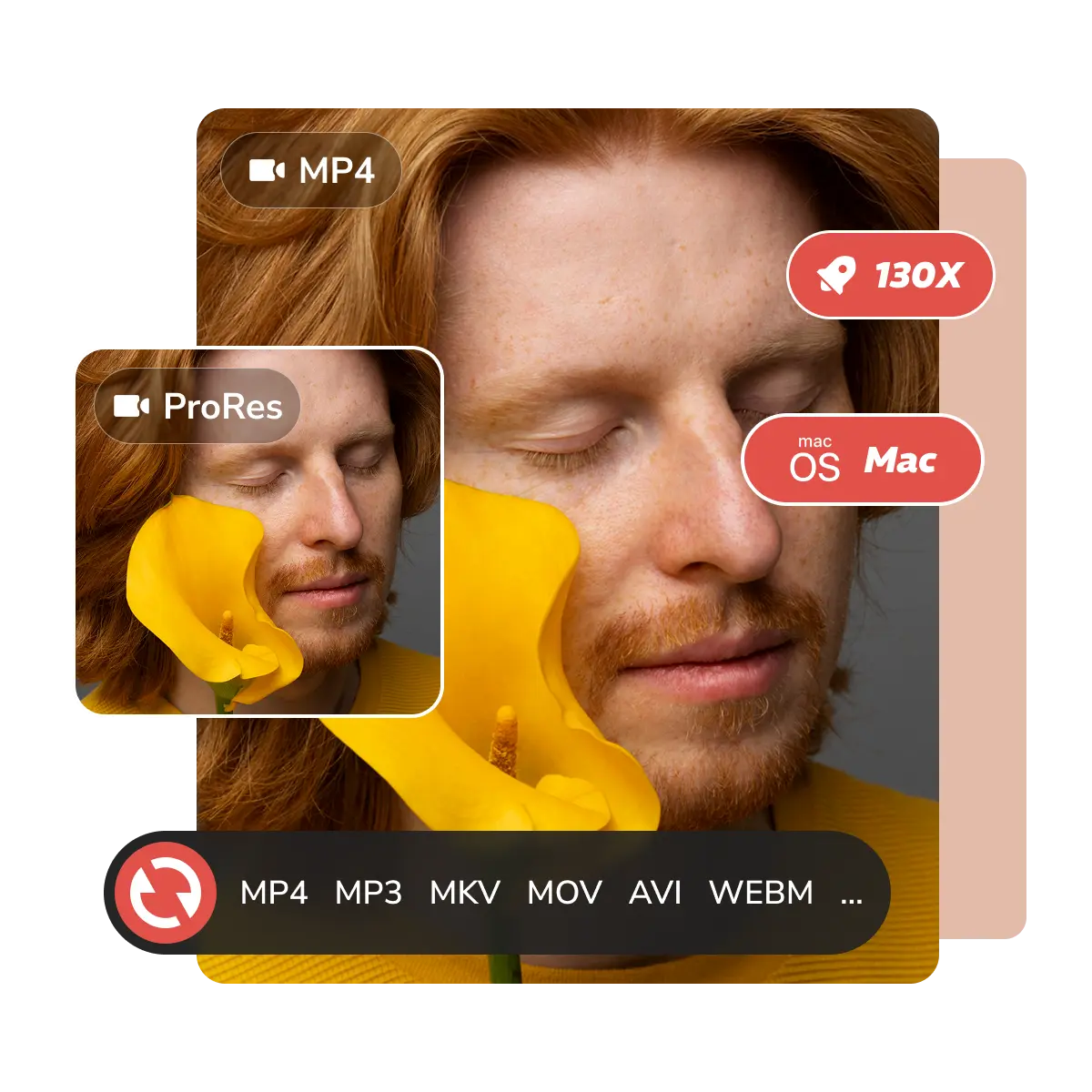
Unlock effortless video/audio conversion and seamless playback. Video to MP4, MKV, FLAC, MP3, WAV; audio to M4A, OGG, OPUCS, and 1000+ other formats.
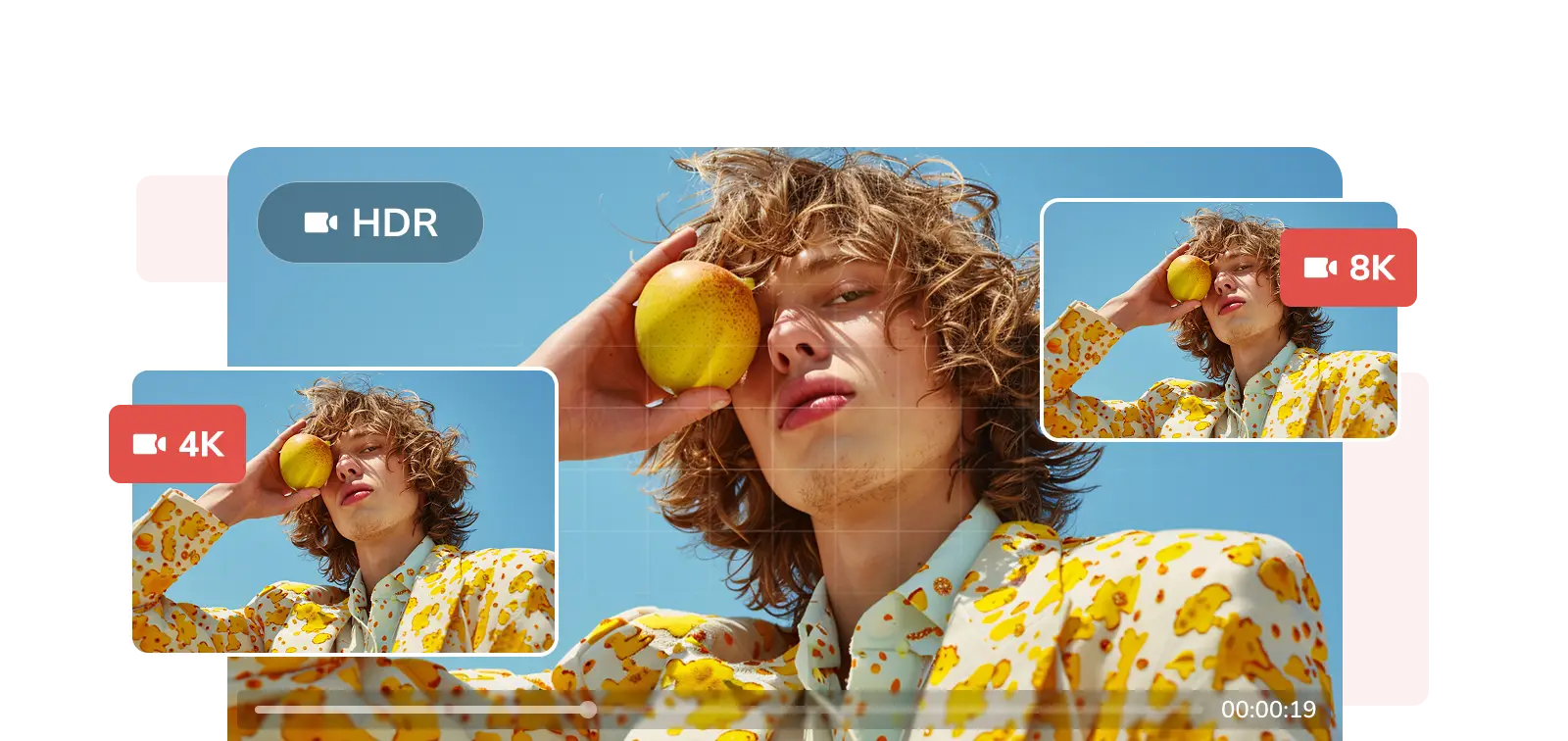
high quality engine high quality engine

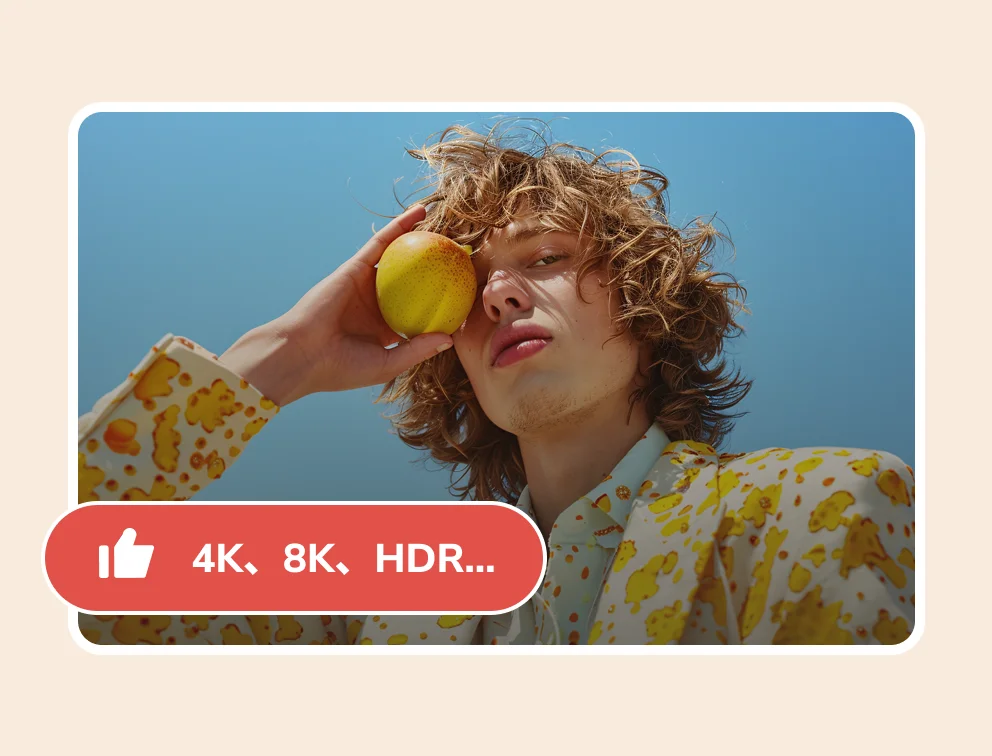
Give You Up to 99% Conversion Success

Guaranteed clear quality after conversion; audio and video synchronized. Supports 4K, 8K, HDR, and high frame rate video processing.

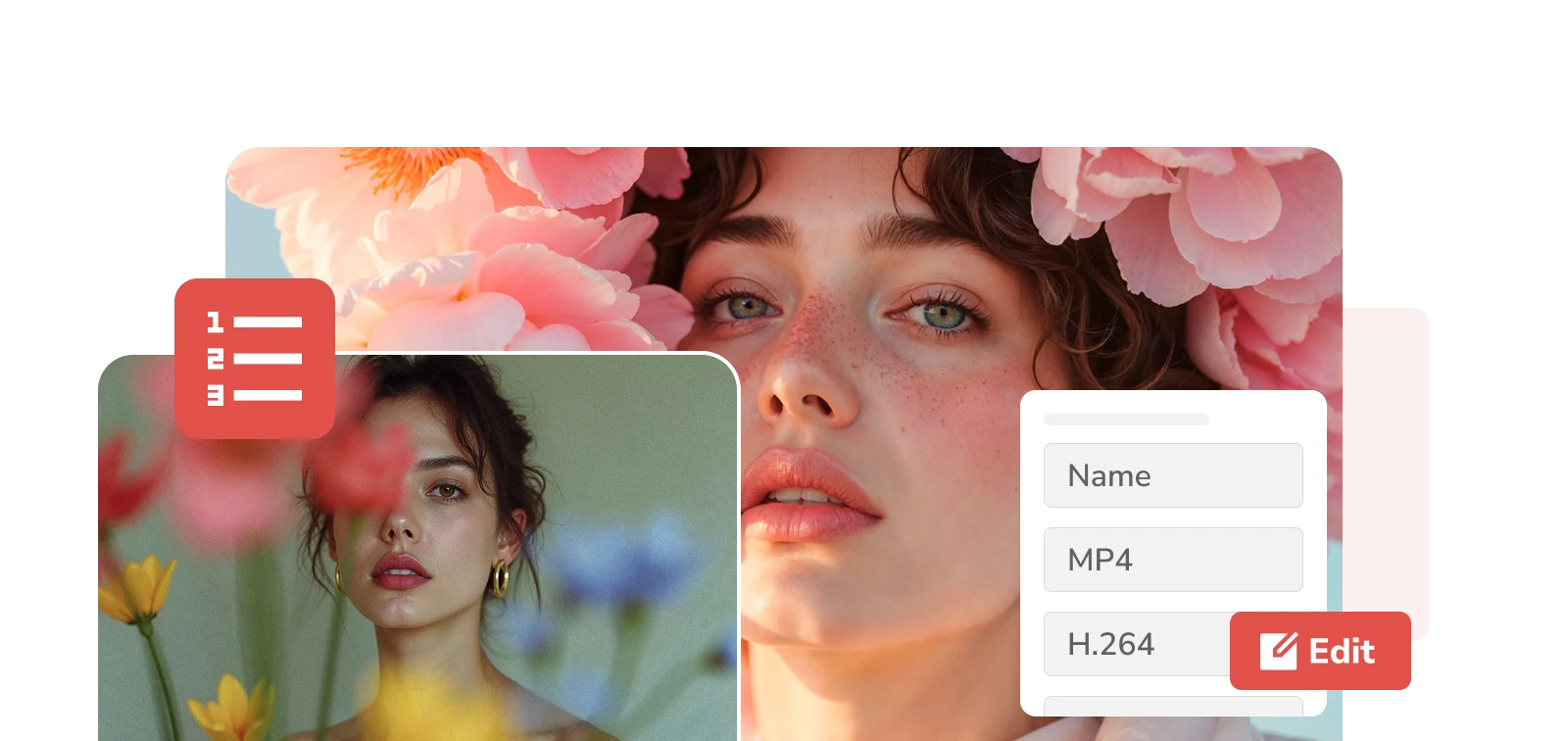
batch and customization batch and customization

Ultimate Control Over Your Personal Files

Unprecedented batch conversion efficiency. Convert 50, 100, or even more files at once. Give you complete control over your personal file format, parameters, filenames, and other information.

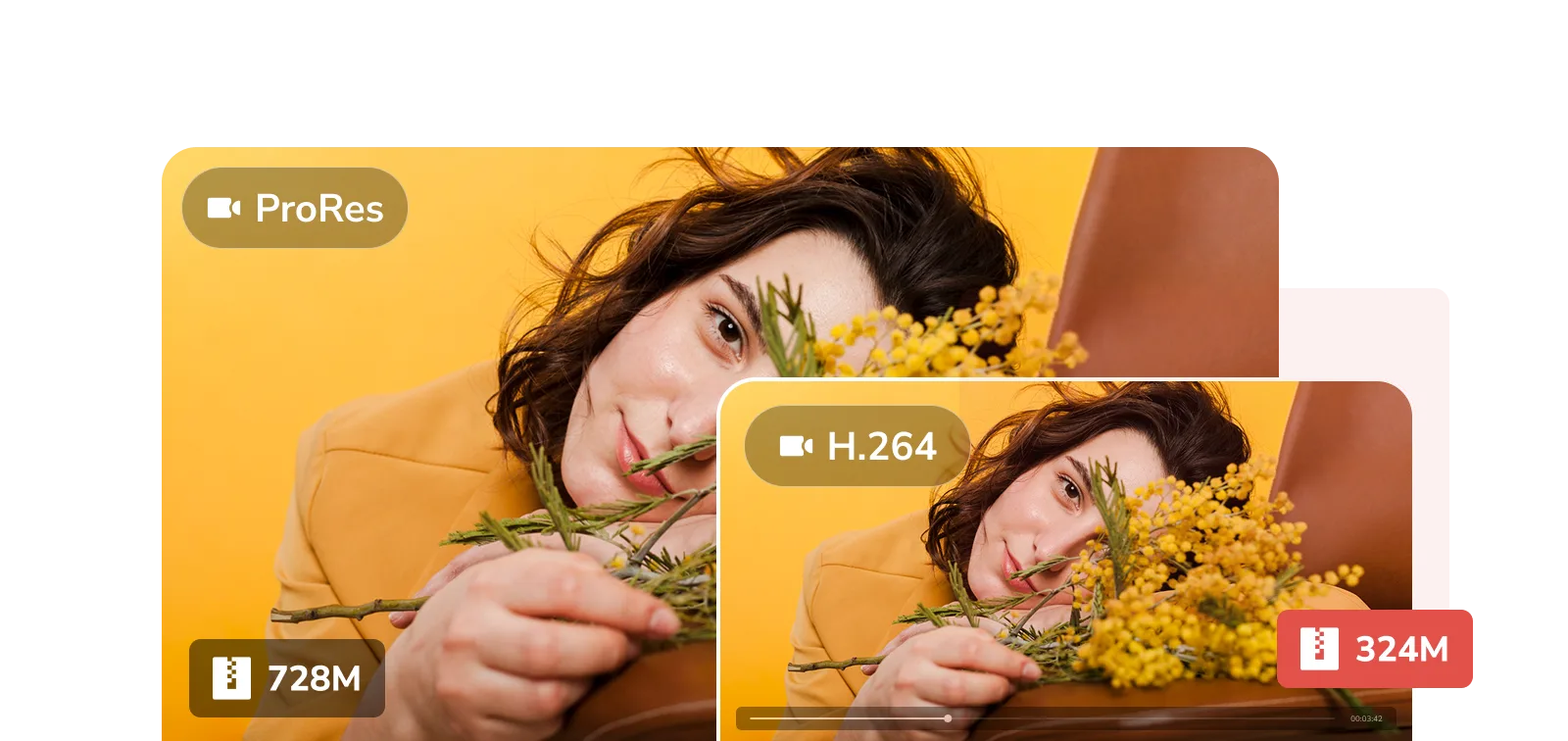
superior encoding for apple files superior encoding for apple files

Professional Codecs for Apple Audio and Video Files

Easily convert Apple files (ProRes, MOV, ALAC, etc.) to H.264, eliminating playback limitations while reducing file size. Not just simple compression; it preserves high video quality, exceptional sound quality, and color detail.
Speed, Smart, and Superior Media Processing

Quality-oriented Mac one-stop solution

Unprecedented Stability

Stability is our advantage. The program should not crash or exit unexpectedly when running for a long time, processing large files in batches, or performing complex tasks.

unprecedented stability for mac

Free and High Quality Coexist

Completely free and unlimited conversion while maintaining excellent output quality. This means you can convert videos to MP4, MP3, MKV, etc. on your Mac with the same video clarity, without any hidden fees. Achieve both free and high-quality results.

free and high quality coexist

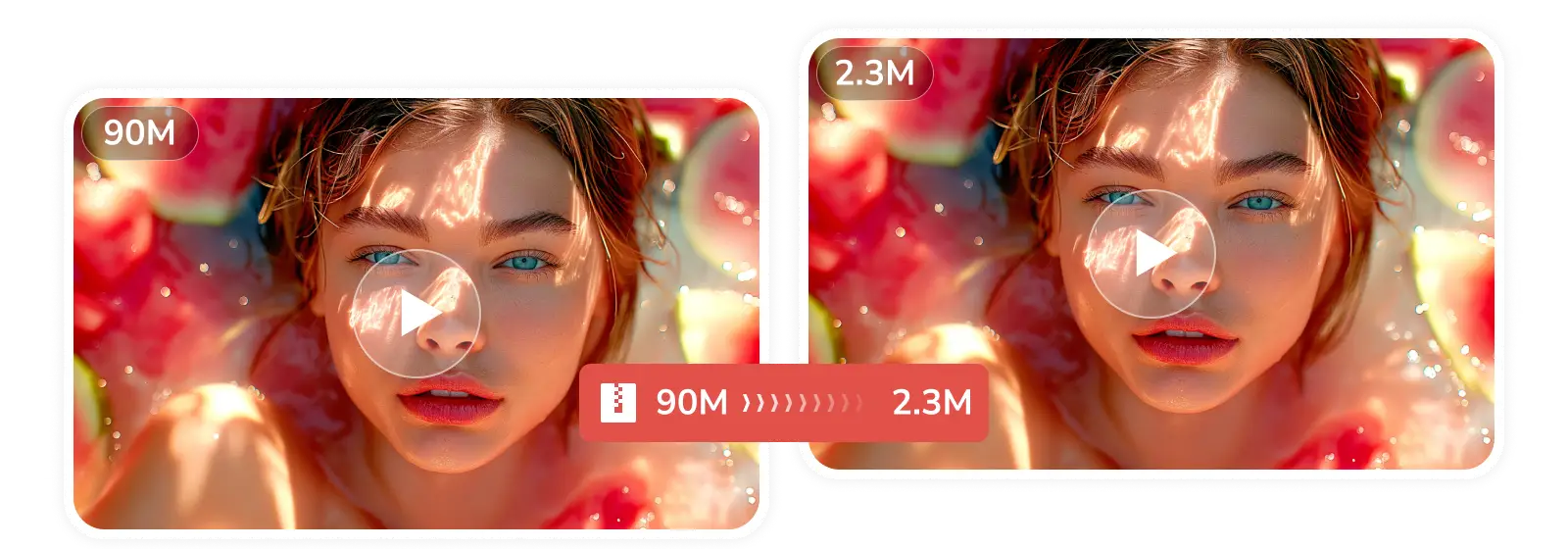
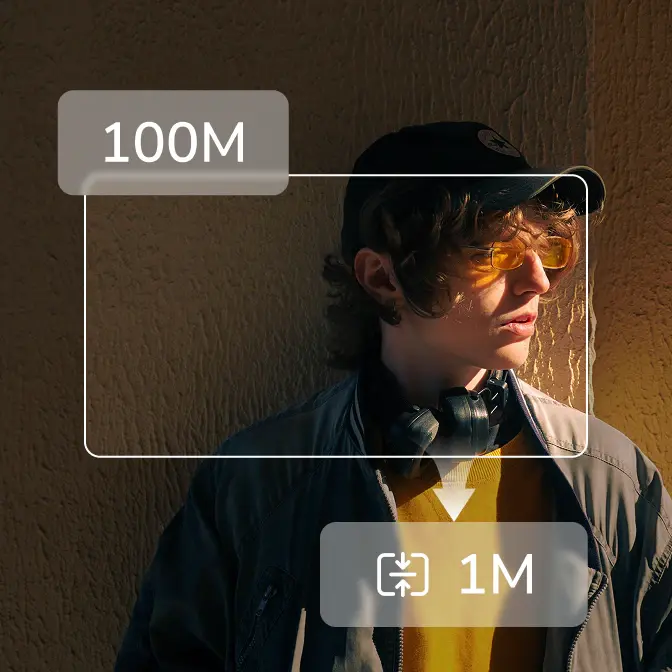
Even More Extreme Compression

Highly efficient and intelligent video compression capabilities and advanced encoding technology. While significantly reducing video file size, it intelligently balances quality loss to achieve the "ultimate compression ratio".

extreme compression

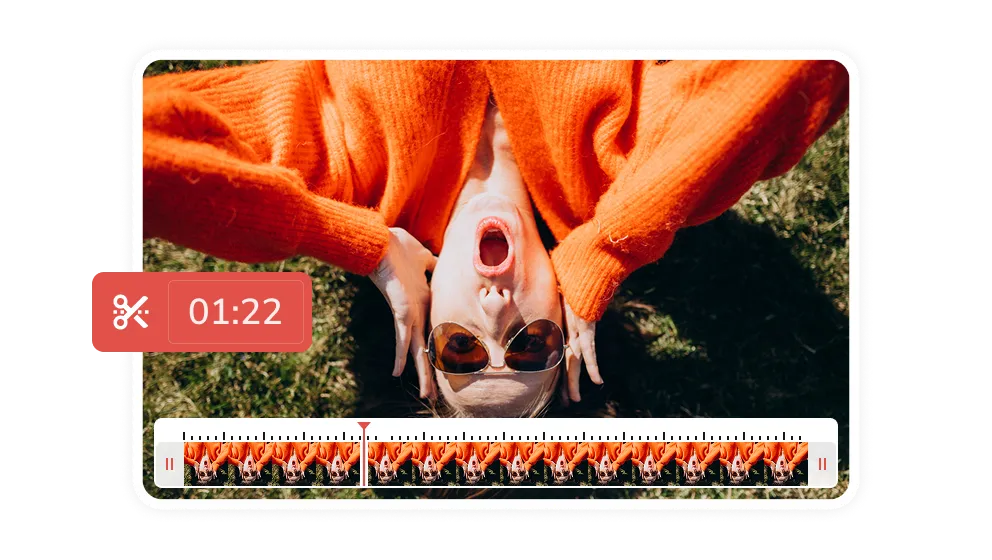
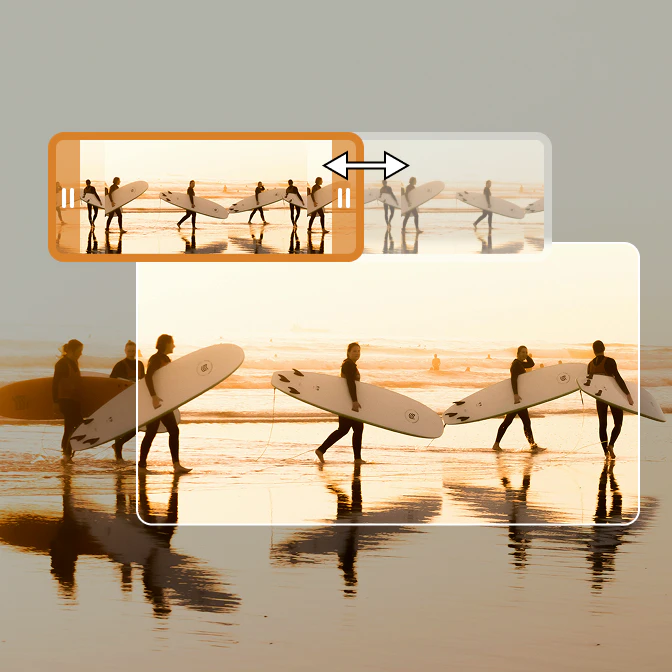
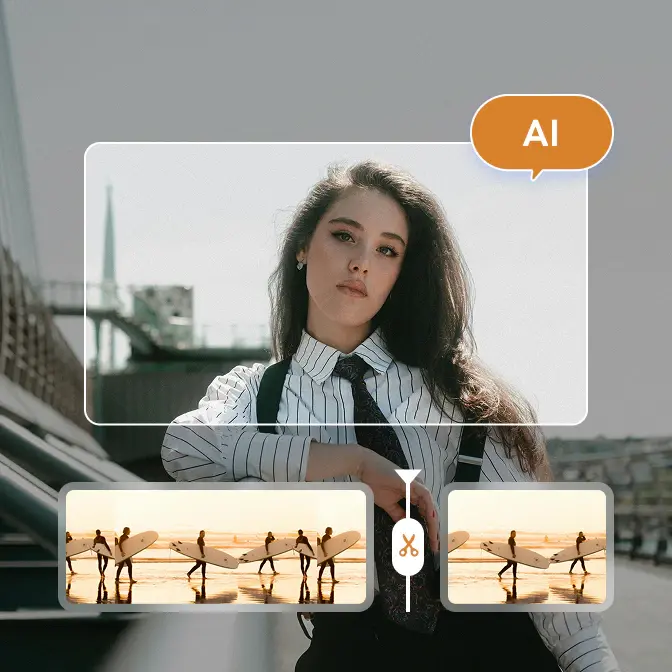
Fine-Tuned Video Trimming

Timeline trimming mode gives you precise control over every second of your video. You can easily cut out unwanted parts of the video or extract highlight clips to make the video content more personalized to your needs.

video trimming

Streamline Your Workflows with High-Quality Tools

Practical solutions for everyday Mac workflows

Editing Tools
AI Tools

Version History of Any Video Converter for Mac

Keep an eye on new features, upgrades, and optimizations

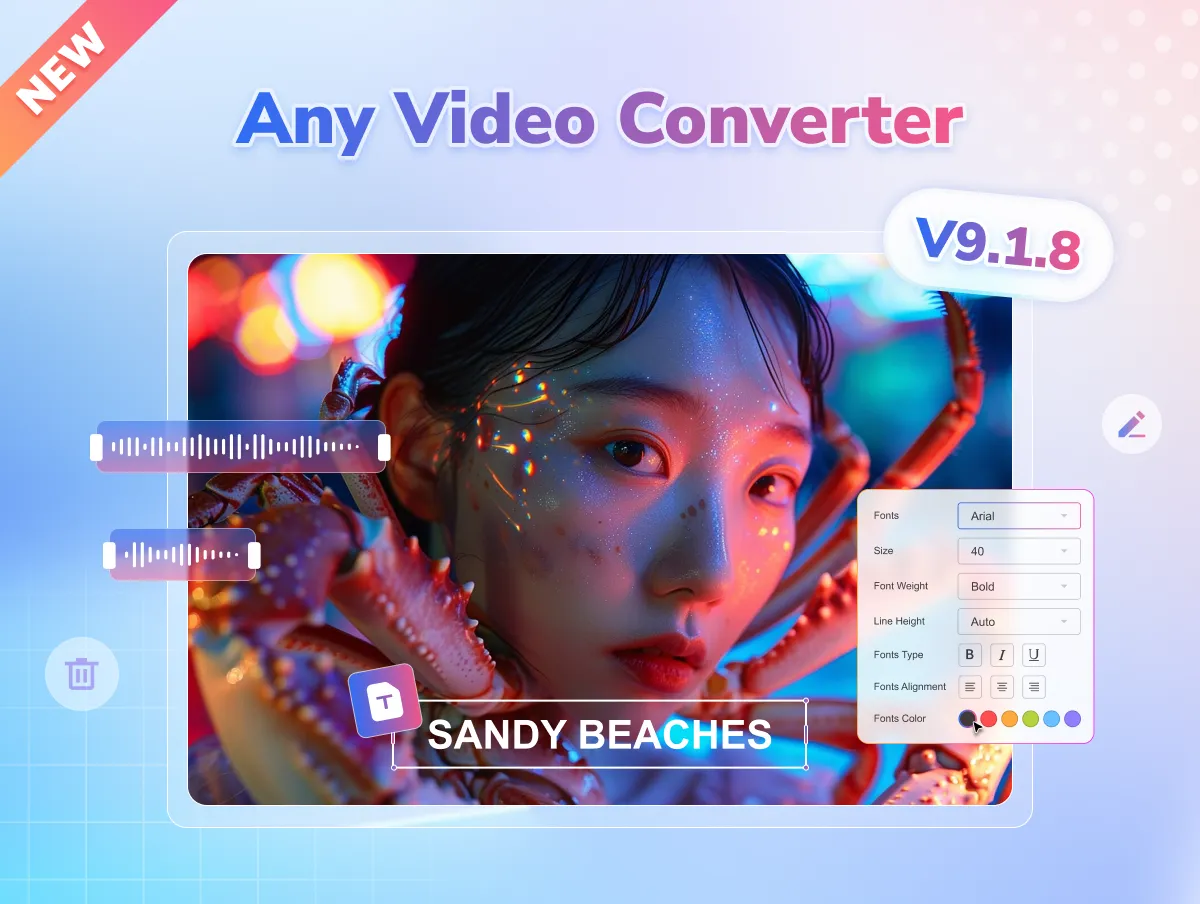
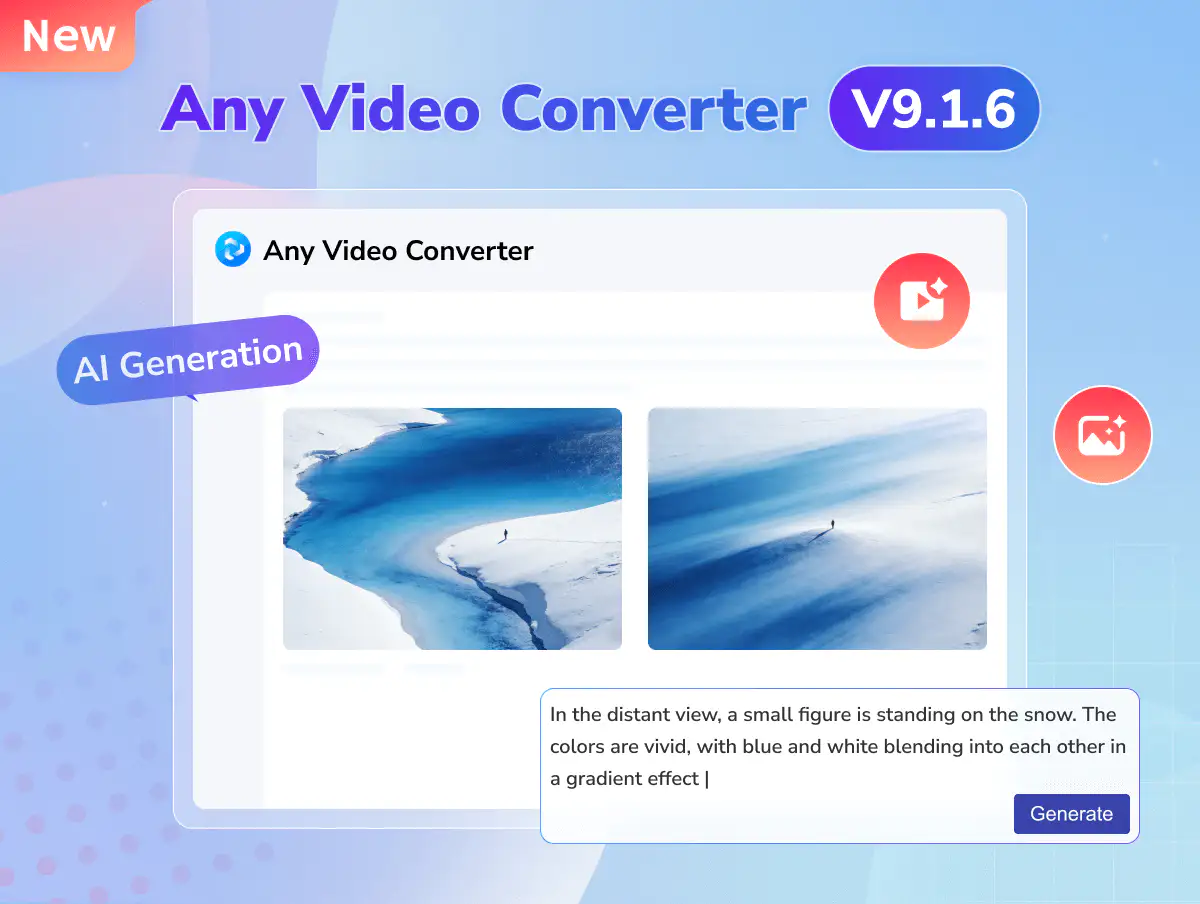
any video converter v9.1.6 updated

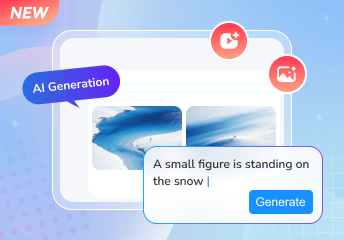
Get Inspired with AI Generative Tools

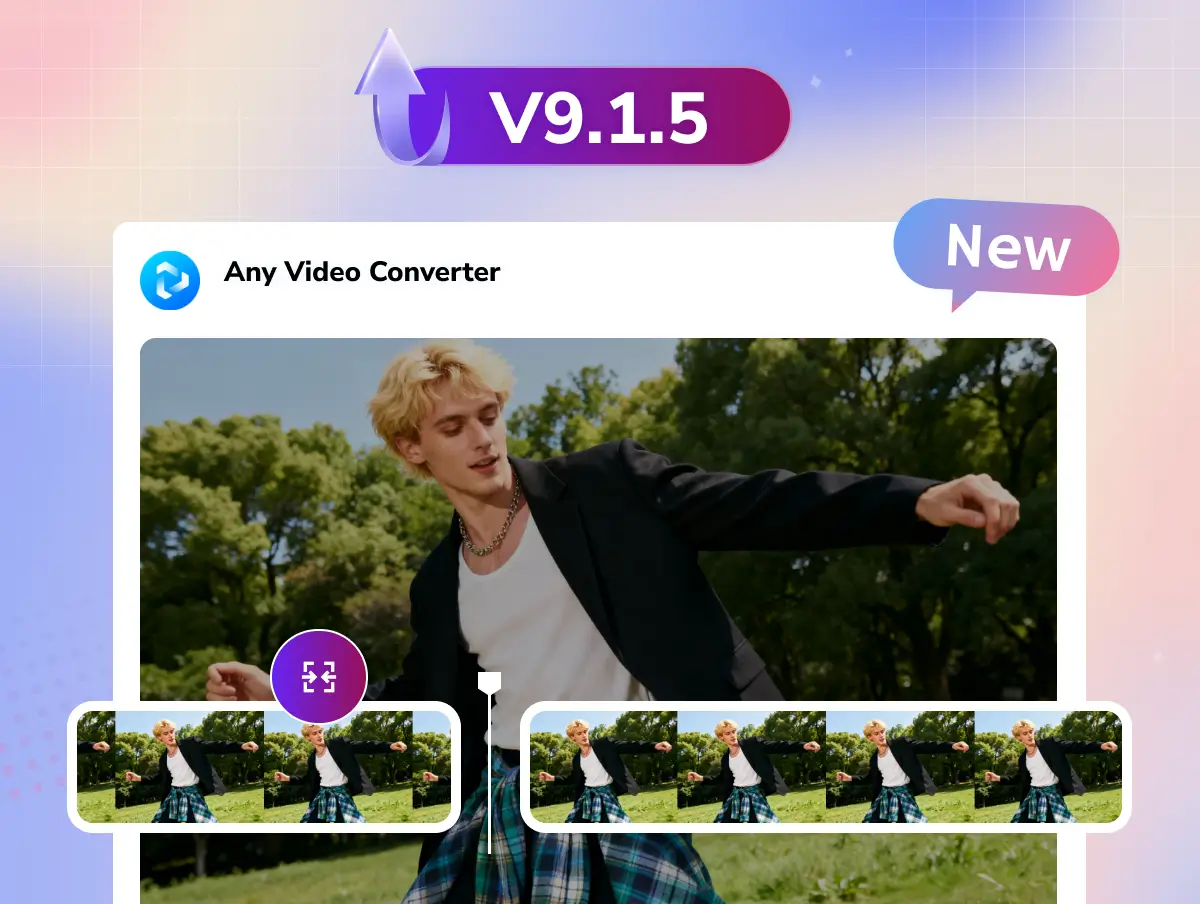
any video converter v9.1.5 updated

Timeline Editing in Trimming and Merging

  • Introduced timeline editing in trimming and merging.
  • Refined crop tool for smoother interaction.
  • Smarter playlist downloads: choose a single file or a full list.
  • Added MP4 (H.264) download for wider compatibility.
  • Improved download tool success rate.
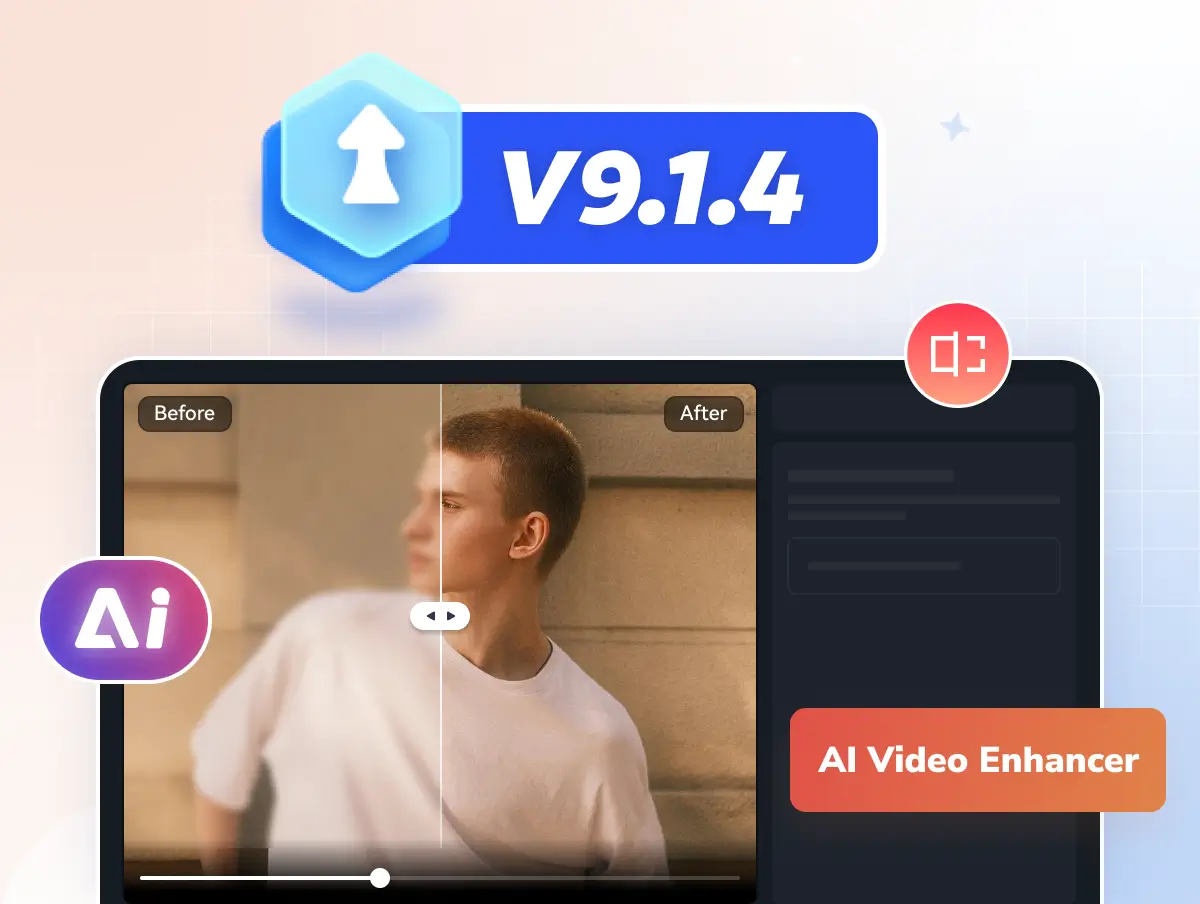
any video converter v9.1.4 updated

Support AI Video Enhancer

  • Add the AI video enhancer tool in the Ultimate version.
  • Improve the video download success rate.
  • Optimize the task queue for a better experience.
  • Fix some bugs.
any video converter v9.1.3 updated

Support the Built-in Web Browser

  • Support built-in browser and searching videos.
  • Add AV1 encoding support for video compression.
  • Other bug fixes and performance optimization.

Free vs. Pro. vs. Ultimate of Any Video Converter

Select the right version tailored to your needs

Monthly
Annual
Permanent
icon free

Free

  • icon checkboxUnlimited video downloads
  • icon checkbox1000+ formats conversion
  • icon checkboxUnlimited video compression
  • icon checkboxBasic video editing tools
  • icon lockSave custom settings as presets
  • icon lockSave videos in your preferred format
  • icon lockAdvanced 'Custom' download mode
  • icon lockCurate your audio and subtitles
  • icon lockRecord screen in HD and 4K quality
  • icon lockBurn videos to DVD with templates
  • icon lockParallel power downloads
  • icon lockBonus credits for AI creation
  • icon lockImprove video quality with AI
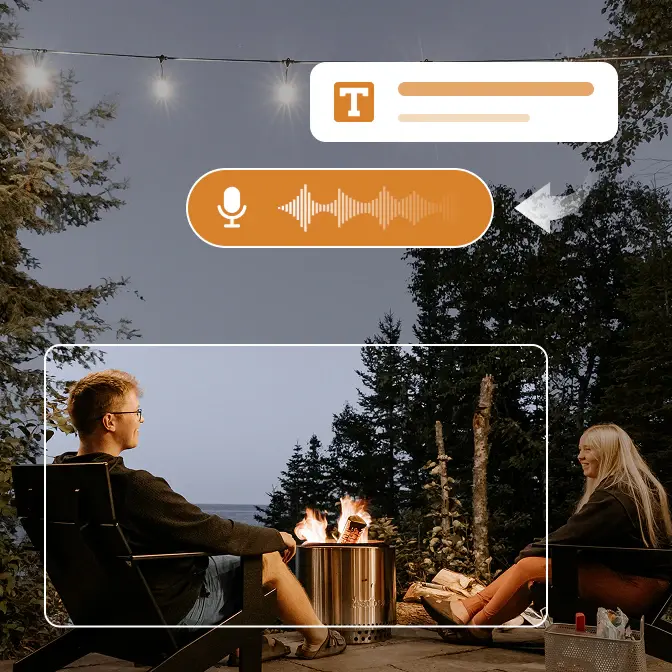
  • icon lockAuto-transcribe media to text
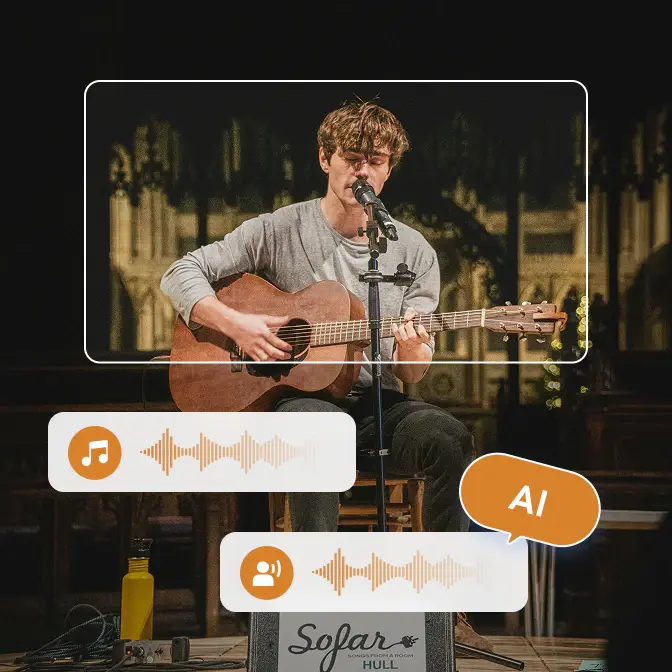
  • icon lockSplit vocal & instrumental
icon ultimate

Ultimate

  • icon checkboxUnlimited video downloads
  • icon checkbox1000+ formats conversion
  • icon checkboxUnlimited video compression
  • icon checkboxBasic video editing tools
  • icon checkboxSave custom settings as presets
  • icon checkboxSave videos in your preferred format
  • icon checkboxAdvanced 'Custom' download mode
  • icon checkboxCurate your audio and subtitles
  • icon checkboxRecord screen in HD and 4K quality
  • icon checkboxBurn videos to DVD with templates
  • icon starParallel power downloads
  • icon star300 bonus credits for AI creation
  • icon starImprove video quality with AI
  • icon starAuto-transcribe media to text
  • icon starSplit vocal & instrumental
icon free

Pro.

  • icon checkboxUnlimited video downloads
  • icon checkbox1000+ formats conversion
  • icon checkboxUnlimited video compression
  • icon checkboxBasic video editing tools
  • icon checkboxSave custom settings as presets
  • icon checkboxSave videos in your preferred format
  • icon checkboxAdvanced 'Custom' download mode
  • icon checkboxCurate your audio and subtitles
  • icon checkboxRecord screen in HD and 4K quality
  • icon checkboxBurn videos to DVD with templates
  • icon lockParallel power downloads
  • icon lockBonus credits for AI creation
  • icon lockImprove video quality with AI
  • icon lockAuto-transcribe media to text
  • icon lockSplit vocal & instrumental
icon free

Free

  • icon checkboxUnlimited video downloads
  • icon checkbox1000+ formats conversion
  • icon checkboxUnlimited video compression
  • icon checkboxBasic video editing tools
  • icon lockSave custom settings as presets
  • icon lockSave videos in your preferred format
  • icon lockAdvanced 'Custom' download mode
  • icon lockCurate your audio and subtitles
  • icon lockRecord screen in HD and 4K quality
  • icon lockBurn videos to DVD with templates
  • icon lockParallel power downloads
  • icon lockBonus credits for AI creation
  • icon lockImprove video quality with AI
  • icon lockAuto-transcribe media to text
  • icon lockSplit vocal & instrumental
icon ultimate

Ultimate

  • icon checkboxUnlimited video downloads
  • icon checkbox1000+ formats conversion
  • icon checkboxUnlimited video compression
  • icon checkboxBasic video editing tools
  • icon checkboxSave custom settings as presets
  • icon checkboxSave videos in your preferred format
  • icon checkboxAdvanced 'Custom' download mode
  • icon checkboxCurate your audio and subtitles
  • icon checkboxRecord screen in HD and 4K quality
  • icon checkboxBurn videos to DVD with templates
  • icon starParallel power downloads
  • icon star600 bonus credits for AI creation
  • icon starImprove video quality with AI
  • icon starAuto-transcribe media to text
  • icon starSplit vocal & instrumental
$59.95 / $69.95
Upgrade Now Upgrade Now
$10 OFF
icon pro

Pro.

  • icon checkboxUnlimited video downloads
  • icon checkbox1000+ formats conversion
  • icon checkboxUnlimited video compression
  • icon checkboxBasic video editing tools
  • icon checkboxSave custom settings as presets
  • icon checkboxSave videos in your preferred format
  • icon checkboxAdvanced 'Custom' download mode
  • icon checkboxCurate your audio and subtitles
  • icon checkboxRecord screen in HD and 4K quality
  • icon checkboxBurn videos to DVD with templates
  • icon lockParallel power downloads
  • icon lockBonus credits for AI creation
  • icon lockImprove video quality with AI
  • icon lockAuto-transcribe media to text
  • icon lockSplit vocal & instrumental
icon free

Free

  • icon checkboxUnlimited video downloads
  • icon checkbox1000+ formats conversion
  • icon checkboxUnlimited video compression
  • icon checkboxBasic video editing tools
  • icon lockSave custom settings as presets
  • icon lockSave videos in your preferred format
  • icon lockAdvanced 'Custom' download mode
  • icon lockCurate your audio and subtitles
  • icon lockRecord screen in HD and 4K quality
  • icon lockBurn videos to DVD with templates
  • icon lockParallel power downloads
  • icon lockBonus credits for AI creation
  • icon lockImprove video quality with AI
  • icon lockAuto-transcribe media to text
  • icon lockSplit vocal & instrumental
icon ultimate

Ultimate

  • icon checkboxUnlimited video downloads
  • icon checkbox1000+ formats conversion
  • icon checkboxUnlimited video compression
  • icon checkboxBasic video editing tools
  • icon checkboxSave custom settings as presets
  • icon checkboxSave videos in your preferred format
  • icon checkboxAdvanced 'Custom' download mode
  • icon checkboxCurate your audio and subtitles
  • icon checkboxRecord screen in HD and 4K quality
  • icon checkboxBurn videos to DVD with templates
  • icon starParallel power downloads
  • icon star700 bonus credits for AI creation
  • icon starImprove video quality with AI
  • icon starAuto-transcribe media to text
  • icon starSplit vocal & instrumental
$69.95 / $89.95
Upgrade Now Upgrade Now
$20 OFF
icon pro

Pro.

  • icon checkboxUnlimited video downloads
  • icon checkbox1000+ formats conversion
  • icon checkboxUnlimited video compression
  • icon checkboxBasic video editing tools
  • icon checkboxSave custom settings as presets
  • icon checkboxSave videos in your preferred format
  • icon checkboxAdvanced 'Custom' download mode
  • icon checkboxCurate your audio and subtitles
  • icon checkboxRecord screen in HD and 4K quality
  • icon checkboxBurn videos to DVD with templates
  • icon lockParallel power downloads
  • icon lockBonus credits for AI creation
  • icon lockImprove video quality with AI
  • icon lockAuto-transcribe media to text
  • icon lockSplit vocal & instrumental
$49.95 / $79.95
Upgrade Now Upgrade Now
$30 OFF

Globally Trusted, Multimedia Excellence Delivered on Mac

icon format compatibility
Format Compatibility

Perfectly support native Apple ecosystem formats and converts them into universal formats.

icon macOS style interface
MacOS-Style Interface

Conform to macOS design guidelines: simple, intuitive, and elegant.

icon various solutions
Various Solutions

Integrate media file conversion, editing, extraction, and more in one stop.

icon advanced processing
Advanced Processing

It can also easily process 4K/8K, 120 fps videos exported from GoPros and drones.

icon 100% clean
We Reject Ads

Free video converter tool for Mac, clean, with no adware and malware.

icon minimalist conversion
Minimalist Conversion

Complete in three steps: "drag the file - select the format - click convert".

Learn How to Easily Convert Files on Your Mac

Convert any video or audio to MP4, MP3, and 1000+ formats on Mac for free

Step 1

Upload Your Videos/Audios

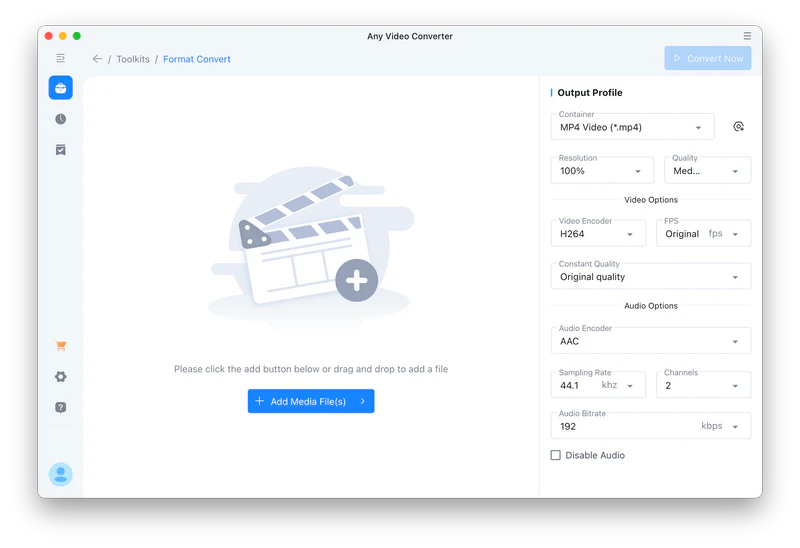
In Any Video Converter, go to "Format Convert" and upload your video/audio files. Multiple videos/audios are also allowed.

add video files to any video converter for mac

In Any Video Converter, go to "Format Convert" and upload your video/audio files. Multiple videos/audios are also allowed.

add video files to any video converter for mac

Step 2

Select Format and Other Parameters

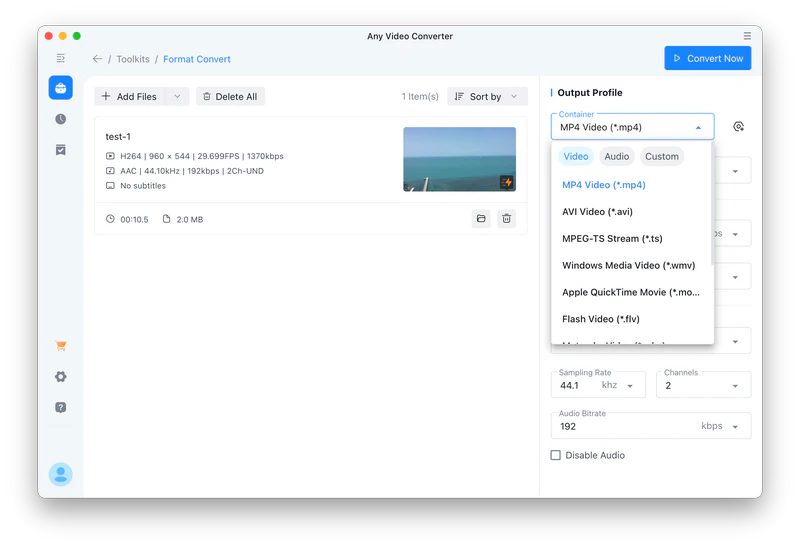
Freely select the format (MP4, MP3, and more) you want to convert in the "Container". You can also manually change the video encoding, FPS, audio bitrate, etc.

select mp4 as the output format

Freely select the format (MP4, MP3, and more) you want to convert in the "Container". You can also manually change the video encoding, FPS, audio bitrate, etc.

select mp4 as the output format

Step 3

Start Converting Videos/Audios

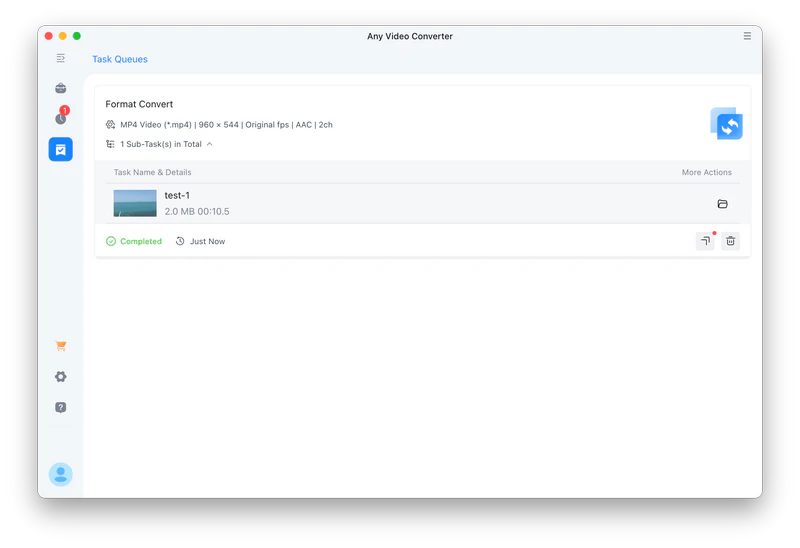
Click the "Convert Now" button to start converting video/audio files. After the conversion task is complete, don't rush to close the program. You can click the "More tools" button to further edit your file.

convert video to mp4 on mac

Click the "Convert Now" button to start converting video/audio files. After the conversion task is complete, don't rush to close the program. You can click the "More tools" button to further edit your file.

convert video to mp4 on mac

Review Summary of Any Video Converter for Mac

Overall, Any Video Converter is the right choice

I have used this converter for years, but I have only used customer service once. They were very knowledgeable and easy to talk with. They understood my problem and fixed it immediately. I would recommend this product.

mac user avater 16
albert beamon
five star

This is a great app with many useful features, and I use it frequently. There was a minor bug in the software that I reported, and their tech support acted responsively in a timely manner and corrected the bug. It now works smoothly.

mac user avater 21
Edwin
five star

Been using this for some time. It does what it says it will. I do think this is a great product that you will get good use out of.


mac user avater 17
Craig
five star

It's great for editing video as well as downloading movie links. You can edit video, add or remove audio tracks, create your projects, convert video formats, etc.

mac user avater 20
Richard Lazowski
five star

This is a wonderful app. Forget the competition. Make this your go-to for video or audio downloads. The interface is not complicated, even for a novice like me. Download speeds are amazing. Highly recommended.

mac user avater 18
Terence
five star

Any Video Converter is by far the best video converter I've tried. User-friendly and easy to use. The software itself is straightforward, fast, and reliable for conversion, cropping, compressing, etc. The best thing is that it is free without any catch. It is clean of any malware. It is legit!

mac user avater 19
JC Falconi
five star
Excellent 4.8 star 4.8 on green star icon trustpilot
Also Trusty by Medias: logo teachradar logo cnet logo sourceforge logo wikipedia

Mac-Integrated Media Workflow Solution

Achieve seamless editing between Mac devices and multiple formats

FAQs about Any Video Converter for Mac

What is the best software to convert MP4 to MOV on Mac?

When converting MP4 to MOV on Mac, you can use the following excellent software (absolutely safe).

1. iMovie (built into Mac)

MacOS's built-in iMovie or QuickTime Player can directly convert the file, suitable for simple needs, and it's completely free.

2. Any Video Converter for Mac

Supports conversion between 1000+ formats, including MP4 to MOV or MOV to MP4.

Provides basic editing and compression functions.

Conversion speed is relatively fast.

3. Adobe Media Encoder (Professional)

Suitable for professional workflows, it allows for precise adjustment of encoding settings and integrates with software such as Premiere Pro.

What is the best video to MP3 converter for Mac?

Try Any Video Converter to convert video to MP3. It has a dedicated MP3 format option and allows you to customize the sampling rate and bitrate for excellent sound quality.

Is Any Video Converter a safe video converter for Mac?

Any Video Converter for Mac is safe video conversion software that you can use with confidence. The Mac version downloaded from our official website is clean and virus-free. Please only download from the official website.

Can Any Video Converter convert YouTube videos?

Sure. If you have YouTube videos saved on your computer, you can also convert them in "Format Convert".

Does the free version have the same conversion speed as the paid version?

Yes. We do not impose any conversion speed limits on conversion tasks for free users.

Can you use an online converter on Mac?

You can choose to use an online video converter on your Mac, but this poses privacy risks. Commonly used online converters include CloudConvert and Zamzar, but these all have file size limitations. For large batches of files, high-quality output, or files involving privacy, it is recommended to use local professional software.

More Converters Meet Your Specific Conversion Needs

Need to convert videos/audios to other formats? Don't miss below

Blogs & Articles | Find More Solutions