Any Video Converter Free
 Any Audio Converter
 AVCLabs Video Enhancer AI
 AVCLabs Video Blur AI
 AVCLabs Photo Enhancer AI
 AVCLabs PhotoPro AI
 Mobile Data Manager
 Mobile Data Transfer
 WhatsApp Data Transfer
 PC Data Recovery
 iOS Data Recovery
 Location Changer
 iPhone Unlocker
 MKV to MP4
 AVI to MP4
 WEBM to MP4
 MOV to MP4
 HEVC to MP4
 MP4 to GIF
 4K Video Converter
 HD Video Converter
 Video to MP3
 MP4 to MP3
 MP4 to WAV
 Video to Audio
 FLAC to MP3
 Text to Image
 Text to Video
 Enhance Video
 Trim Video
 Merge Videos
 Compress Video
 Add Subtitles
 Add Watermark
 Text to Image AI
 Text to Video AI
 Image to Video AI
 AI Art Generator
 AI Headshot Generator
 AI Logo Generator
 Ghibli Video Generator
 Seedance AI Video Generator
 Video to Text
 Video Splitter
 Video Stabilizer
 Audio to Text
 Vocal Remover
 Image Enhancer
 Image Upscaler
 Image Denoiser
 Background Remover
 Object Remover
 Photo Restoration
 Color Correction

Text to Image AI Generator | Artistic, Automatic, Accurate
From sketches to designs, from fantasy to reality, turn any idea into images
- Up to 4K quality image generated from any style
- Professional AI model with 99% output accuracy
- Turn text into posters, logos, avatars, paintings, etc
- One single description can generate multiple images
- Stable, secure, and streamlined creation process
 AI PoweredInstant ResultRoyalty FreeFlexible Creation
 Switch to Mac Version
 Switch to Windows Version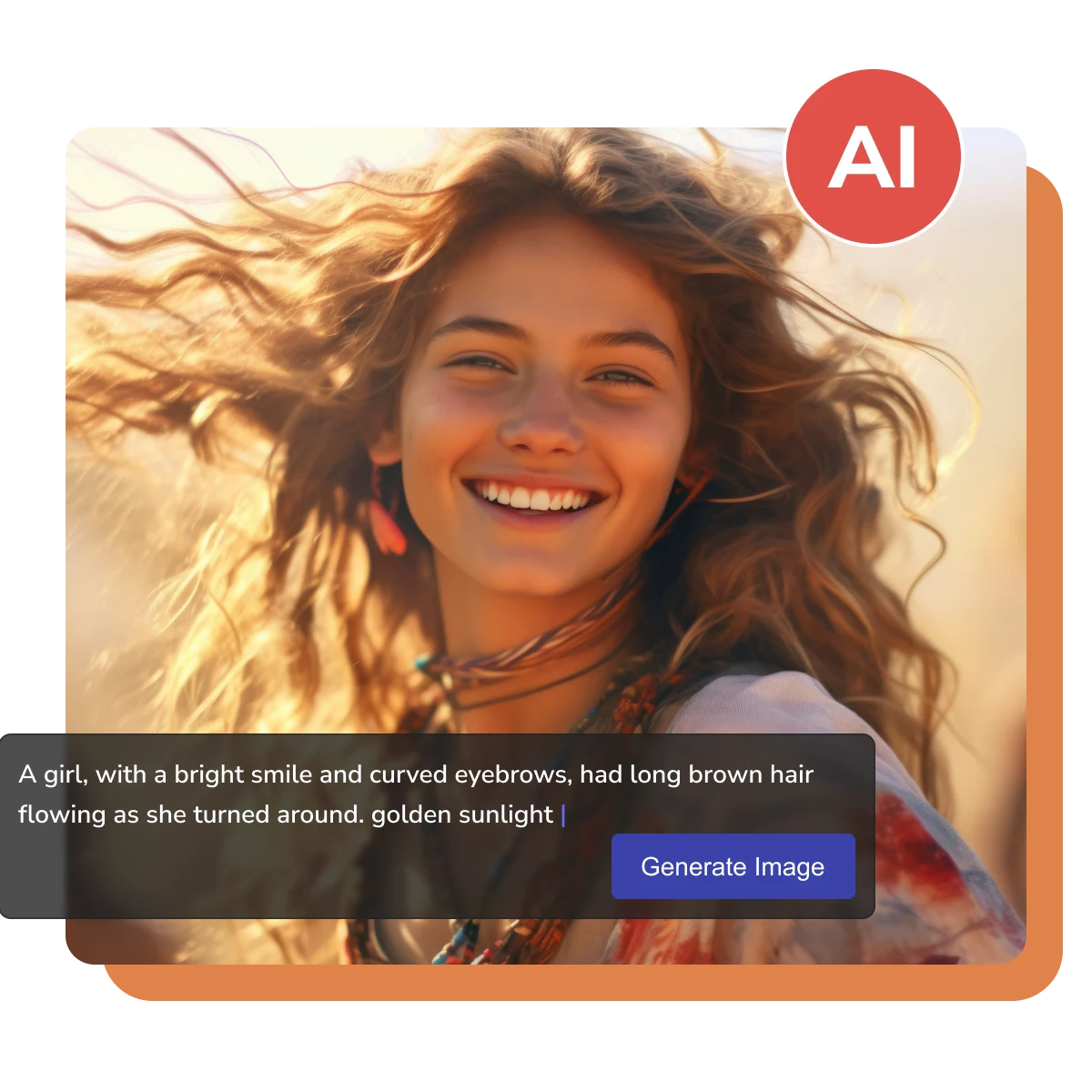
- Features
- User Guide
- FAQ
-
 Text to Image AI Generator
 -


Text to Image AI | Explore Endless Possibilities
For marketers, creators, designers, educators, freelancers, and more
Transform Text into Visual Art
Transform complex or abstract textual descriptions into intuitive images. Turn advertising copy into eye-catching visual posters, logos, sketch, brochures, and more to enhance brand communication.
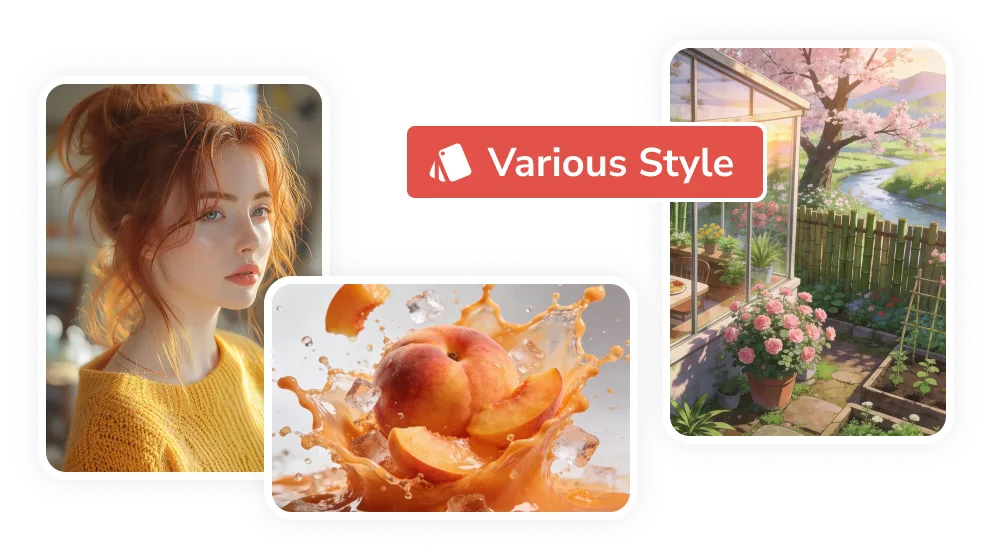
No Technical Expertise Required: Text Only
Simply enter a text description to automatically generate high-quality images, illustrations, or design materials, greatly streamlining the creation process. No professional technical skills are required; let AI assist with everything.
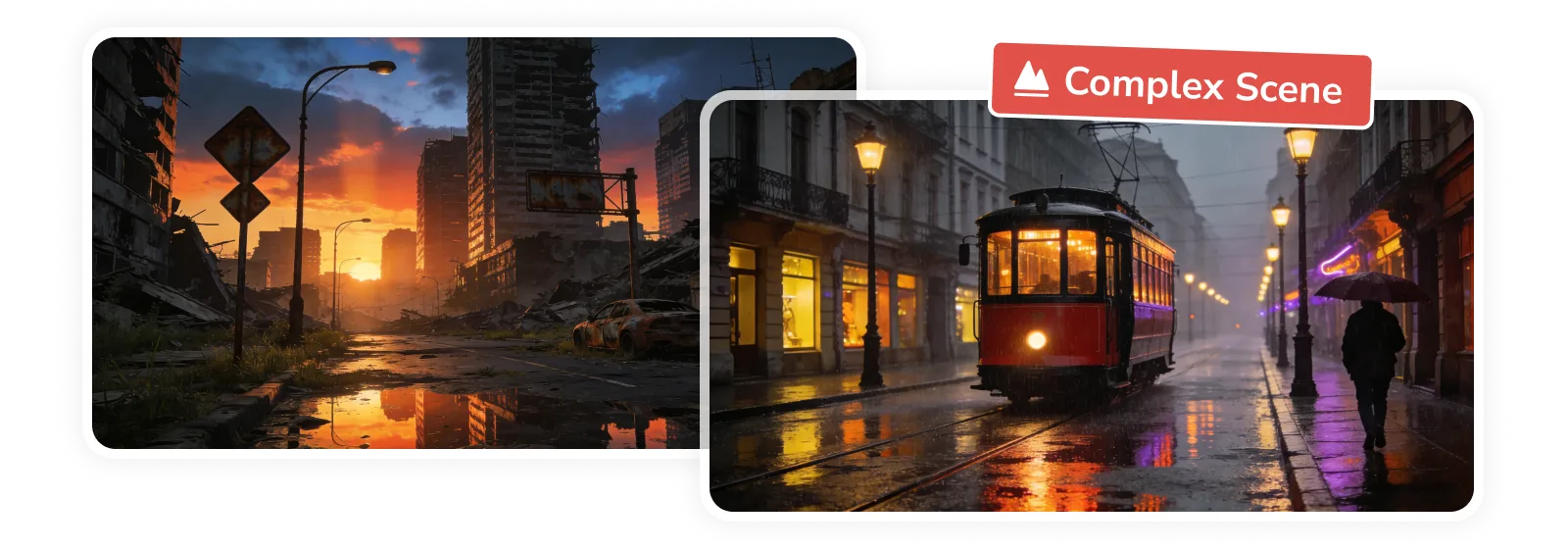
Generate, Refine, Streamline Creation
Re-edit the text description for iteration, refining details or style. Continuous iteration and style adjustments allow you to quickly experiment with different visual solutions, accelerating the process from concept to final image result.
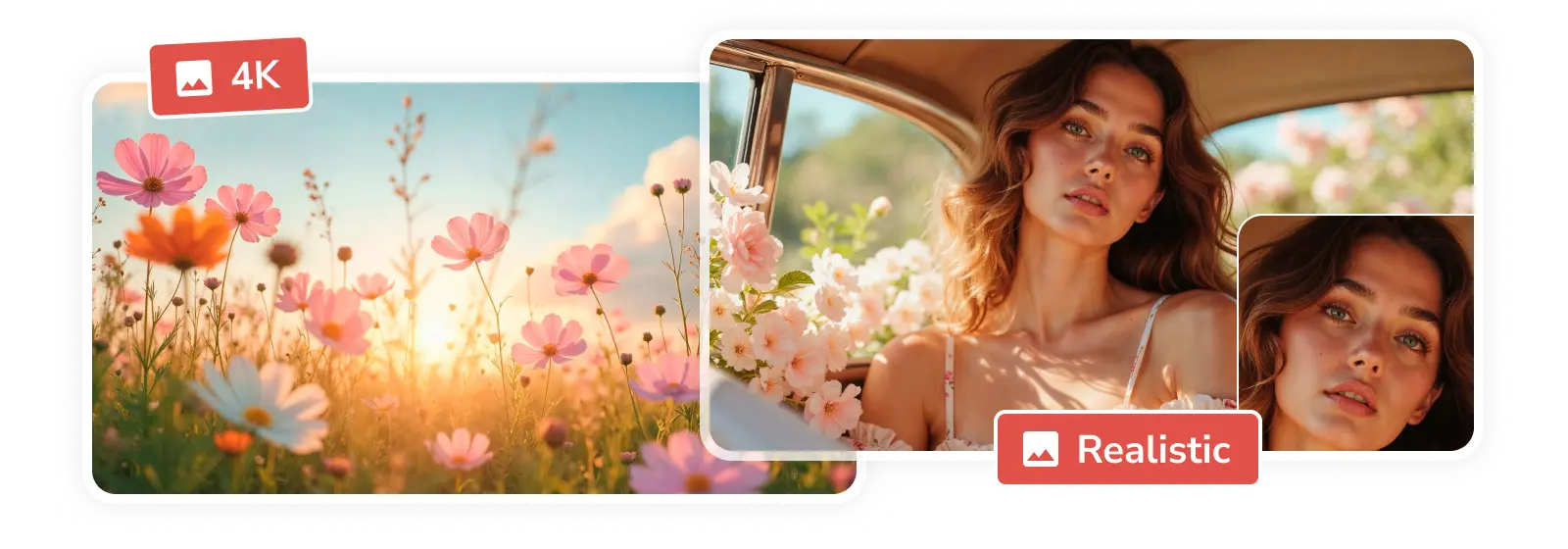
Batch & Instant AI Result
A description can generate multiple images from different perspectives at once, achieving an instant creation experience of "what you think is what you get".
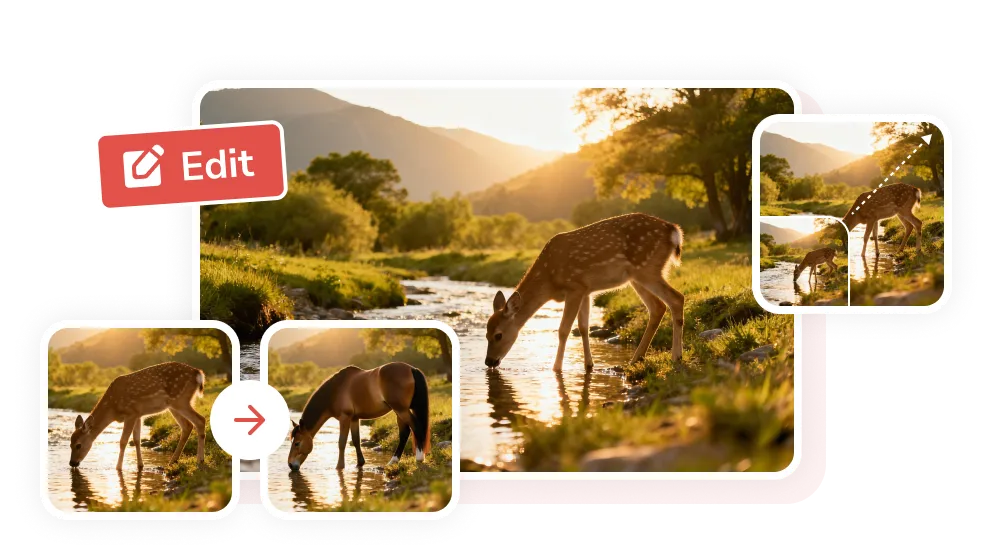
Why This Text to Image AI Generator Stands Out
Quality, control, and efficiency make it a worthwhile choice

Precision of Details
Accurately generate every detail you describe, presenting a delicate and vivid visual effect.
Text Understanding
Intelligent text parsing restores the scene and artistic conception behind the words.

4K Quality
It's not a rough image, but a 4K image with sharp details and rich colors.

Copyright Free
The generated content is yours to own; all images are free from copyright concerns.

No Queue
Quickly respond to creative needs and provide a smooth creative experience.

Safeguard Privacy
The entire process is encrypted, and no user data is stored or shared.
Start Your Own AI Generative Journey
Step 1
Enter a Description in the Prompt Box
This is the most crucial step, determining the content and quality of the image. Please clearly describe the people, objects, and scenes you want, ideally adding details such as environment, actions, style, and materials.
Freely choose image aspect ratio, number of images, quality, and other parameters.
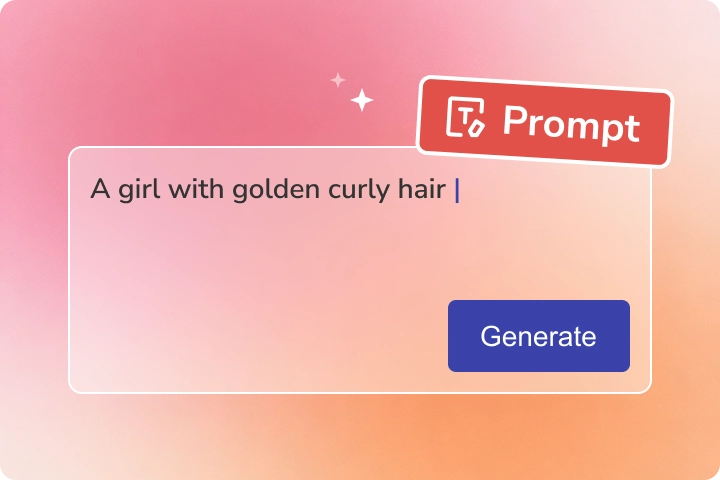
This is the most crucial step, determining the content and quality of the image. Please clearly describe the people, objects, and scenes you want, ideally adding details such as environment, actions, style, and materials.
Freely choose image aspect ratio, number of images, quality, and other parameters.
Step 2
Generate AI Images
Click the "Generate Now" button and wait a few seconds to get the preview image.
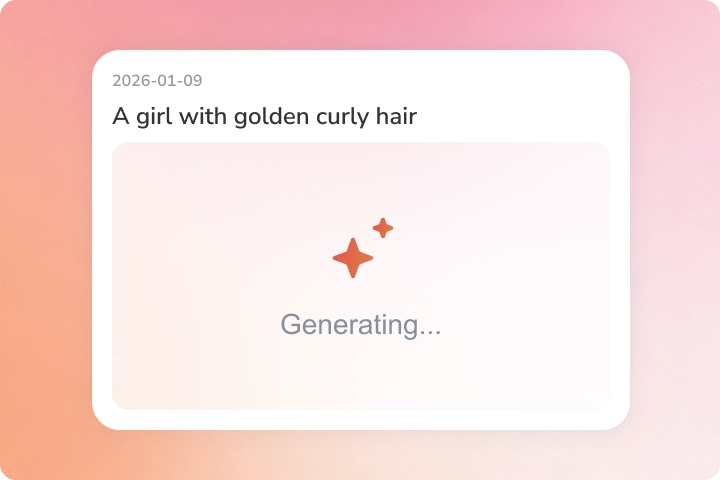
Click the "Generate Now" button and wait a few seconds to get the preview image.
Step 3
Optimize and Download AI Images
You can repeatedly modify the description to continuously optimize the image, and download the satisfactory image to your local device.
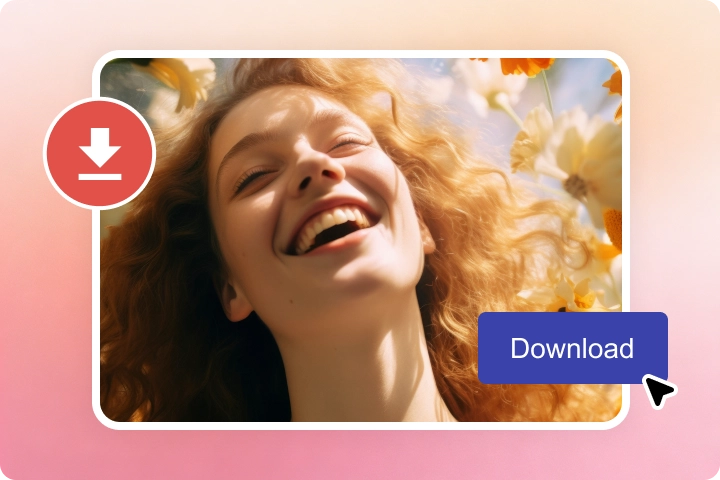
You can repeatedly modify the description to continuously optimize the image, and download the satisfactory image to your local device.
Discover a New Era of AI Tools
Enhance, edit, and enrich your AI images/videos
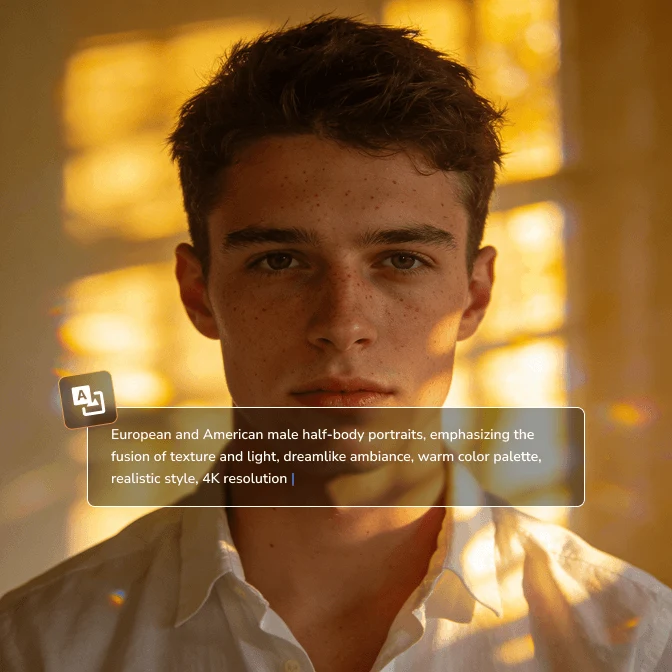
Image Generator
Automatically generate entirely new, original images or artworks based on text descriptions.
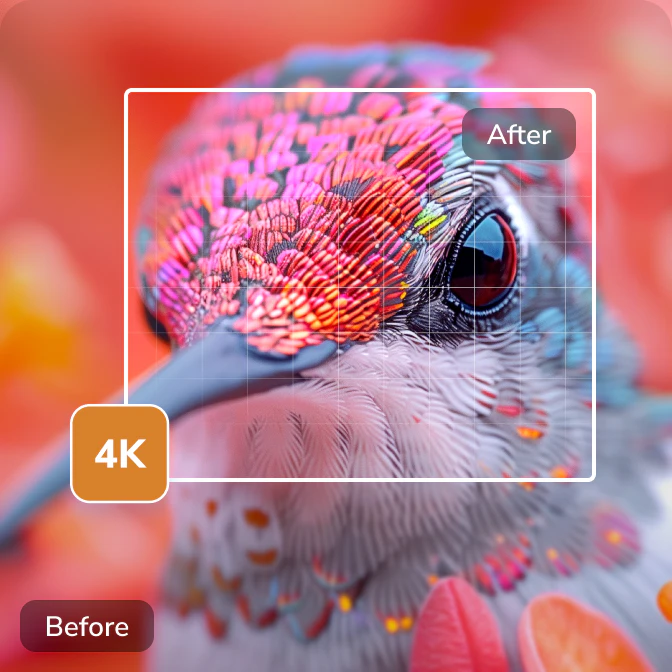
Image Upscaler
Upscale low-resolution images to higher resolution while using AI to add details.
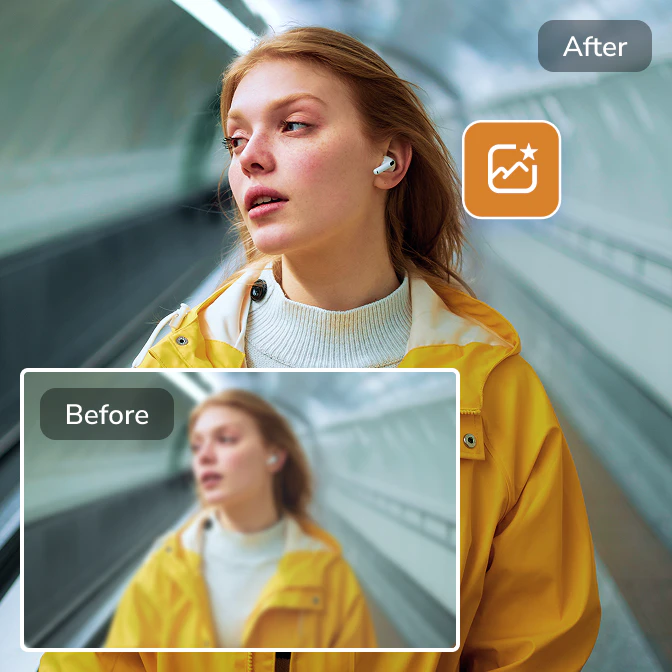
Image Enhancer
AI optimizes the overall quality, contrast, and color vibrancy of images.

Image Denoiser
Eliminate graininess in images caused by low light, high ISO, or device limitations.

Background Remover
Accurately identify the subject in an image and remove its background.

Objects Remover
Identify and remove unwanted objects, people, or blemishes from images without leaving a trace.

Photo Restoration
To restore old or damaged photos to their original appearance as much as possible.

Color Corrector
Adjust the image's color balance, brightness, and saturation to correct color differences.
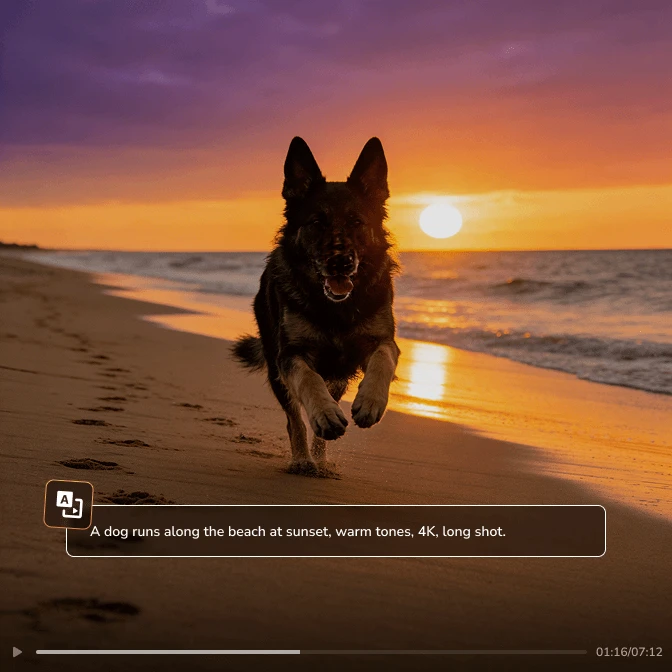
Text to Image AI: What You Think is What You Get
AI stands by you on the journey from idea to masterpiece

 Get Mac Version
 Get Windows Version
Discover More AI Generative Tools for Your Creative Work


FAQs about Text to Image AI Generator
Can I use these images commercially?
Yes. Images generated using Any Video Converter AI Image Generator are your own. You may use these images for commercial purposes, but please comply with local laws and regulations.
Can I edit existing images with AI?
Sure. You can upload reference images, describe in text what you want to modify/replace, or transform photos into different artistic styles.
What types of images can I generate?
You can generate various types of images, including natural scenes, objects, people, punk styles, science fiction, abstract patterns, logo designs, and more.
However, please be careful not to use AI to generate real-life portraits (especially of celebrities), copyright infringement, or NSFW content.
How do I write a good prompt?
A good prompt typically consists of a main subject, details, and style. More detailed prompts are more conducive to generating accurate images. You can also use AI image describers to extract prompts, and then make further modifications.
Can I modify AI generated images after creation?
Yes, you can. If you want to fine-tune the generated image, simply click "refine" and enter the description you want to adjust.
Can I convert text to image online?
Try the AVC.AI image generator online.
Step 1: Click to open the AVC.AI image generator online.
Step 2: Similarly, enter a detailed description in the text box, and select the resolution, size, and number of images.
Step 3: Click "Generate" to get an AI image online.
Expert Insights: AI Generation Mastery
AI generative guidelines, prompt techniques, and more tips